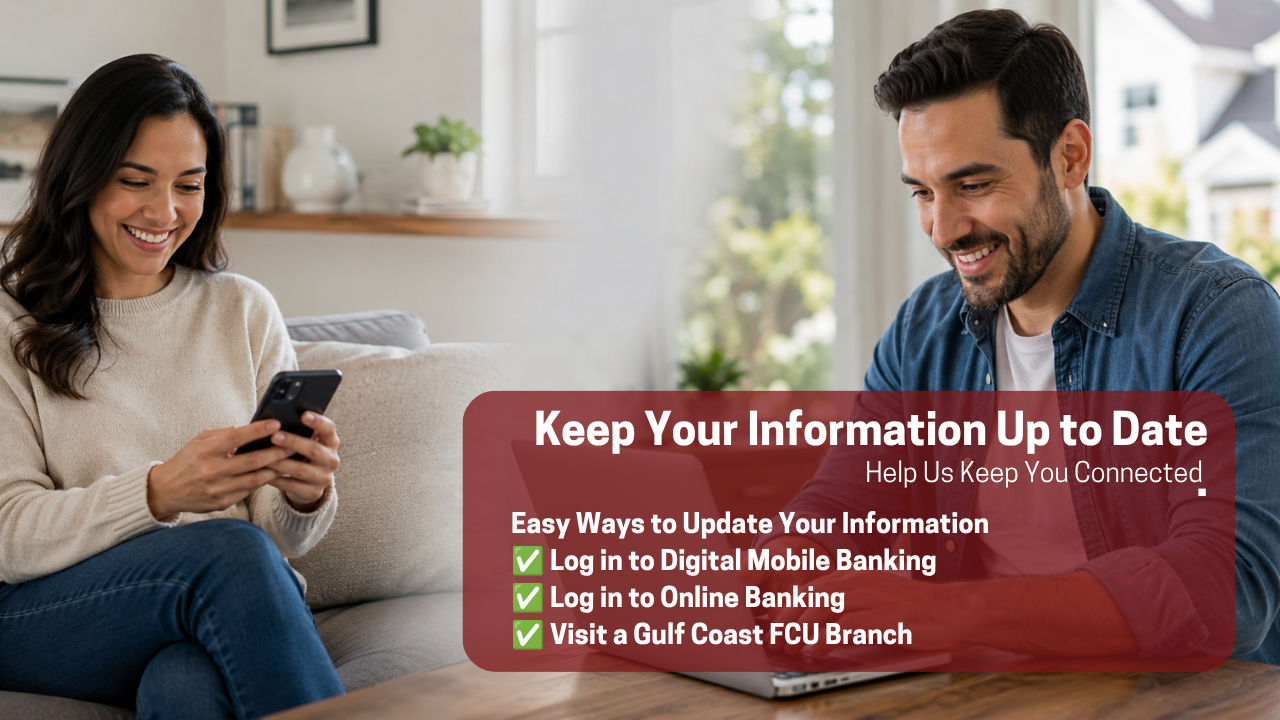
Keep Your Information Up to Date
Help Us Keep You Connected
Why Is This Important?
Your contact information will be used to send important communications and updates regarding the potential merger.
Receive Your Reissued Debit Card
If the proposed merger moves forward, you will receive a reissued Credit Union 1 debit card prior to the proposed November 15, 2026 system conversion date.
Make sure your mailing address is correct so your card can be delivered to you.
Register for Credit Union 1 Online Banking
Following the proposed conversion, you’ll need to register for Credit Union 1 Online Banking. The personal information you use to register will need to match the information currently on file with Gulf Coast Credit Union.
Verify Your Information Today
Option 2: Digital Online Banking
- Click the person icon located in the upper-right corner to open your settings menu.
- Select “Profile Update”.
- Confirm that your email address, home phone, mobile phone, and mailing address are correct.
- Update any information that is no longer current.
- Click “Submit” to save any changes.
Want to Update Your Address to a P.O. Box?
Log in to Gulf Coast FCU Digital Mobile Banking and follow these steps:
- Click “Menu” located in the bottom-right corner.
- Select “Personalize” and click the down arrow to view the available options.
- Select “Profile Update.”
- Confirm that your email address, home phone, mobile phone, and mailing address are correct.
- Update any information that is no longer current.
- Click “Submit” to save your changes.
Want to Update Your Address to a P.O. Box?
If you would like to change your mailing address to a P.O. Box, this update must be completed in person at a Gulf Coast FCU branch. For security and verification purposes, P.O. Box address changes cannot be completed through Digital Banking or the Mobile Banking app. Want to save time? Download and complete our Information Update Form before visiting a branch, then bring the completed form with you.
Option 3: Visit a Branch
Prefer to have someone help you?
Visit any Gulf Coast Credit Union branch and ask a team member to review your contact information with you.
Want to Update Your Address to a P.O. Box?
Log in to Gulf Coast FCU Digital Mobile Banking and follow these steps:
- Click “Menu” located in the bottom-right corner.
- Select “Personalize” and click the down arrow to view the available options.
- Select “Profile Update.”
- Confirm that your email address, home phone, mobile phone, and mailing address are correct.
- Update any information that is no longer current.
- Click “Submit” to save your changes.
Want to Update Your Address to a P.O. Box?
If you would like to change your mailing address to a P.O. Box, this update must be completed in person at a Gulf Coast FCU branch. For security and verification purposes, P.O. Box address changes cannot be completed through Digital Banking or the Mobile Banking app. Want to save time? Download and complete our Information Update Form before visiting a branch, then bring the completed form with you.
A Few Minutes Now Can Help Later
Keeping your information current is an important step in preparing for the potential merger with Credit Union 1.
Verify your contact information today.